Enterprise capability without enterprise deployment pain
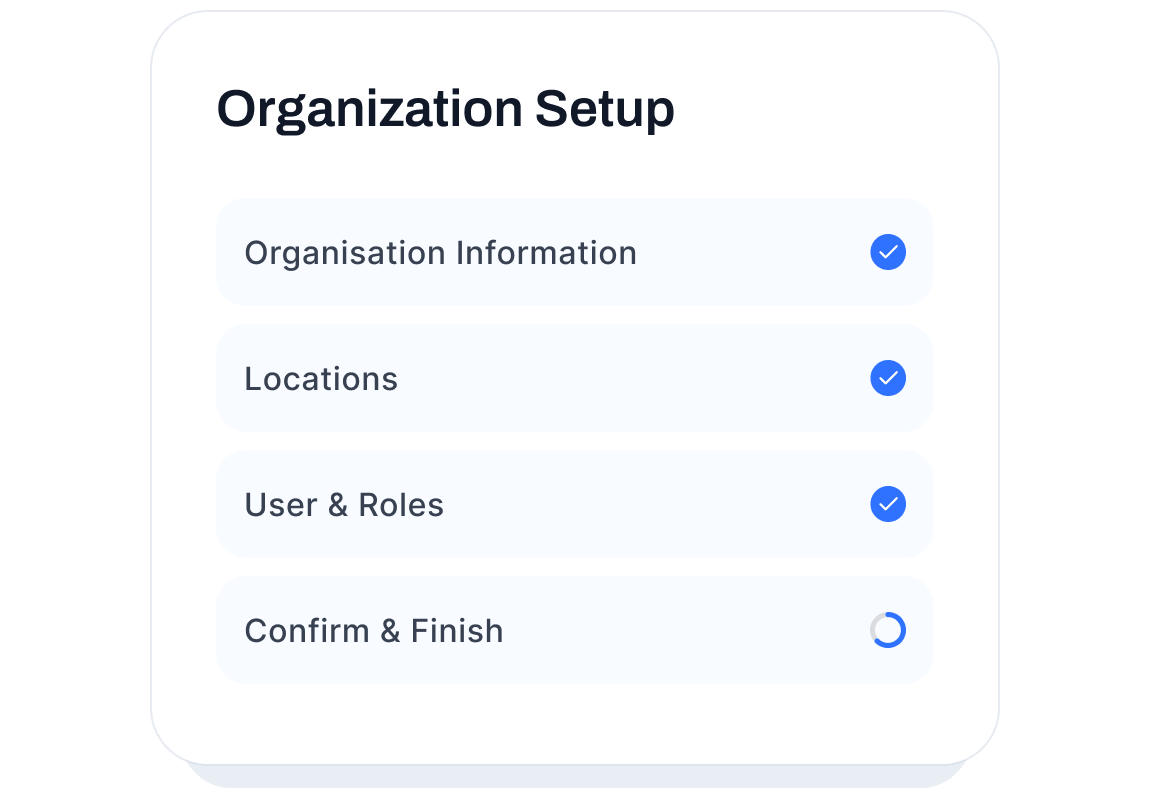
Basic modules go live in 1 day and a typical setup takes 3 days. Configure core workflows, import users and locations, train staff, and start capturing data in the first week.
Work with the systems you already rely on
How implementation works
From setup to operational clarity — faster than you expect
IDEA implementation is structured to minimize disruption and maximize adoption. Each step is designed to be practical, guided, and focused on getting your teams capturing real operational data as quickly as possible.
What's included
You don't implement IDEA alone
Every IDEA implementation includes configuration guidance, onboarding support, and a practical launch plan tailored to your organization's size, modules, and workflows.
Configuration Support
IDEA's team helps configure your modules, routing rules, locations, roles, and request types to match your actual workflows.
Admin & User Training
Structured training for administrators and a lightweight rollout for frontline staff — so adoption happens fast and sticks.
Ongoing Guidance
After launch, IDEA's support team is available to help you optimize routing, dashboards, and workflows as your operation evolves.
Plan Your IDEA Launch
Talk to our team about your organization's modules, users, sites, and timeline — and get a practical implementation plan.
FAQ
Implementation questions, answered
How long does implementation take?
Basic modules can be set up in 1 day, a typical setup takes 3 days, and a custom solution takes 2 to 4 weeks, depending on scope. Every implementation includes a launch plan tailored to your organization.
Do we need an IT team to get started?
No dedicated IT team is required. IDEA is cloud-based, and the IDEA team handles configuration and integrations.
Can we start with one module and expand?
Yes. Starting with one module is common, and adding more is a configuration change: modules share routing, roles and locations.
What support is available after go-live?
Your team keeps access to IDEA's support team, a named point of contact for check-ins, and documentation and in-app help.